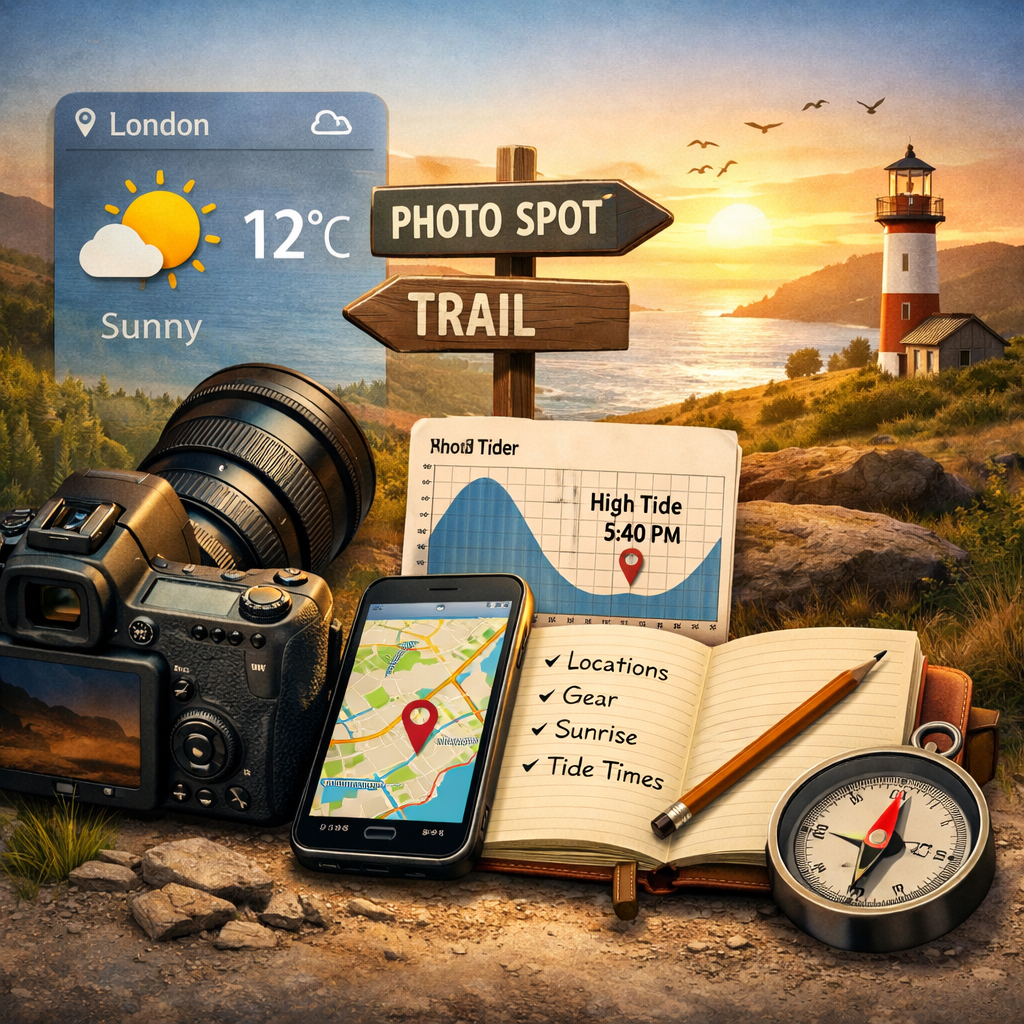
Creativity sits at the centre of photography, not the equipment or the apps we use. Yet the tools we rely on can shape the experience — clearing obstacles, sharpening ideas, and giving us more space to focus on the moment in front of the lens. From planning and weather checks to editing and file transfer, the right tools quietly support the craft without getting in the way.
This collection highlights the resources that consistently prove their worth, helping photographers stay prepared, inspired, and ready to create.
Light & Weather Planning Tools
Great outdoor photography starts long before you press the shutter. These tools help you understand light, weather, and conditions so you can plan every shoot with confidence.
SunCalc
An easy‑to‑use interactive map showing sunrise and sunset positions, golden hour, and shadow lengths for any location and date. Perfect for planning compositions and understanding how light will fall on the landscape
Visit ToolClear Outside
Hyper‑local cloud forecasts showing cloud height, cloud cover, fog probability, rain chances, wind speed, and temperature. A favourite among landscape photographers for its clarity and accuracy. Bonus: it even shows ISS passover times for astrophotography planning.
Visit ToolWindy
A powerful weather visualisation tool showing wind, cloud layers, rain radar, temperature, and pressure systems on an interactive timeline. Although popular with sailors, it’s equally valuable for land‑based photographers thanks to its detailed cloud and wind modelling.
Visit ToolMet Office Weather
The UK’s most accurate weather source, offering daily overviews, detailed forecasts, and an interactive weather map. Essential for checking conditions before any outdoor shoot.
Visit ToolStellarium Web
A beautifully designed night‑sky map for planning astrophotography. Search for planets, stars, galaxies, and deep‑sky objects, and preview the sky from any location. Also available as a mobile app. A must‑have for night shooters.
Visit ToolLocation Scouting & Mapping Tools
Whether you're planning a hike, checking access, or searching for new viewpoints, these tools make it easy to explore the landscape in detail and understand what to expect on the ground.
OS Maps (Free Layer)
Shows footpaths, bridleways, access land, and rights of way across the UK. Essential for planning routes and understanding where you can legally walk.
Visit ToolOpenStreet Map
Excellent detail for woodland, moorland, and rural paths. Great for exploring terrain features and lesser‑known tracks.
Visit ToolGeograph
A huge archive of user‑submitted photos covering almost every square kilometre of the UK. Perfect for previewing landscapes and getting a sense of what a location looks like.
Visit ToolGoogle Maps Satellite + Street View
Ideal for checking access, parking, viewpoints, and general surroundings. Satellite view is great for terrain; Street View helps confirm sightlines and accessibility.
Visit ToolFree Photo Editing Tools
You don’t need expensive software to edit your photos. These free tools offer powerful RAW processing, mobile editing, and Photoshop‑style adjustments without costing a penny.
Darktable
A powerful, open‑source RAW editor often compared to Lightroom. Ideal for colour grading, exposure control, and non‑destructive editing.
Visit ToolRawTherapee
Another excellent free RAW editor with advanced colour tools, noise reduction, and detail enhancement. Great for squeezing the most out of your files.
Visit ToolLightroom Mobile (Free Tier)
Offers basic editing tools, presets, and cloud sync on mobile. A great option for quick edits on the go.
Visit ToolSnapseed
Google’s superb mobile editor with selective adjustments, healing tools, and a clean interface. Perfect for fast, high‑quality edits.
Links to GooglePlay & Apple AppStore at bottom of page
Visit ToolGIMP
A free, open‑source alternative to Photoshop with layers, masks, and advanced retouching tools. Ideal for more complex edits.
Visit ToolComposition & Shooting Aids
These tools help you refine your compositions, check exposure, and create quick visual outputs while you’re shooting or sharing on the go. Ideal for improving technique and making the most of your mobile workflow.
VSCO (Free Tier)
Simple mobile editing with clean presets and film‑style looks. Great for quick colour tweaks and consistent aesthetics.
Visit ToolCanva (Free)
Ideal for social media crops, text overlays, simple graphics, and quick layouts. Perfect for creating share‑ready images.
Visit ToolLux Lumu Light Meter Phone Accessory
Accurate on‑the‑go exposure readings using your phone’s camera. Ideal for quick checks in changing light.
Visit ToolCamera & Gear Research Tools
Whether you’re comparing camera bodies, checking lens specs, or looking for the best deals, these tools make it easy to research gear and make informed buying decisions.
DPReview (Archive)
A huge archive of camera and lens reviews, specs, comparisons, and sample images. Still one of the most trusted resources for gear research.
Visit ToolCameraSize
Lets you compare camera bodies side‑by‑side with accurate scale and dimensions. Great for understanding size, weight, and ergonomics.
Visit ToolMPB
A trusted marketplace for buying and selling used camera gear. Excellent prices and fast delivery.
Visit ToolWex Photo Video
The UK’s biggest photography retailer with a wide range of cameras, lenses, and accessories with reliable stock levels.
Visit ToolWeather, Tide & Safety Tools
Staying safe and informed is essential when shooting outdoors. These tools help you track tides, check mountain forecasts, and share precise locations so you can plan with confidence and stay out of trouble.
Tide Times UK
Essential for coastal shoots. Shows tide heights, timings, and tidal curves for locations across the UK.
Visit ToolMountain Weather Information Service (MWIS)
Highly accurate forecasts for upland and mountainous areas. Ideal for planning shoots in the Lakes, Peaks, Snowdonia, and Scotland.
Visit ToolWhat3Words
Pinpoints any 3‑metre square on Earth with a unique three‑word address. Perfect for meet-ups, sharing exact locations, and improving safety in remote areas.
Visit ToolBackup & File Transfer Tools
Keeping your photos safe and moving them between devices shouldn’t be complicated. These free tools make it easy to transfer files, back up important shoots, and share images quickly across your devices.
Snapdrop
Instant wireless file transfer between devices on the same network. Works across Windows, Mac, Android, and iOS with no setup required.
Visit ToolGoogle Drive (Free Tier)
Easy cloud backup for important shoots. Great for sharing folders, storing RAWs, and keeping mobile edits safe.
Visit ToolOneDrive (Free Tier)
Built into Windows and widely supported across devices. Ideal for automatic photo backup and quick access on desktop or mobile.
Visit ToolDropbox (Free Tier)
Simple, reliable cloud storage with easy sharing links. Great for sending images to clients or collaborators.
Visit ToolWeTransfer (Free)
Fast, no‑account file sending for large JPEGs or zipped folders. Perfect for quick deliveries.
Visit ToolTinyJPG
Fast, high‑quality image compression and resizing for web‑ready photos. Ideal for reducing file size without losing visible detail.
Visit ToolBonus: Free AI‑Powered Tools for Photographers
AI tools can speed up your workflow, help with planning, and make creative tasks easier. These free options offer quick edits, background removal, browser‑based editing, and even shoot planning support.
Remove.bg (Free Tier)
Fast, accurate background removal using AI. Ideal for product shots, portraits, and quick cut‑outs.
Visit ToolPixlr (Free Tier)
A browser‑based editor with AI tools for quick fixes, filters, and simple graphic work.
Visit ToolPhotopea
A powerful, Photoshop‑style editor that runs entirely in your browser. Supports layers, masks, RAW files, and advanced adjustments.
Visit ToolChatGPT (Free Tier)
Great for generating shot lists, planning ideas, location suggestions, editing recipes, and creative prompts.
Visit Tool